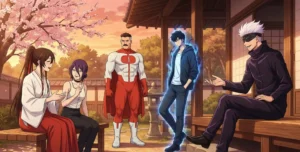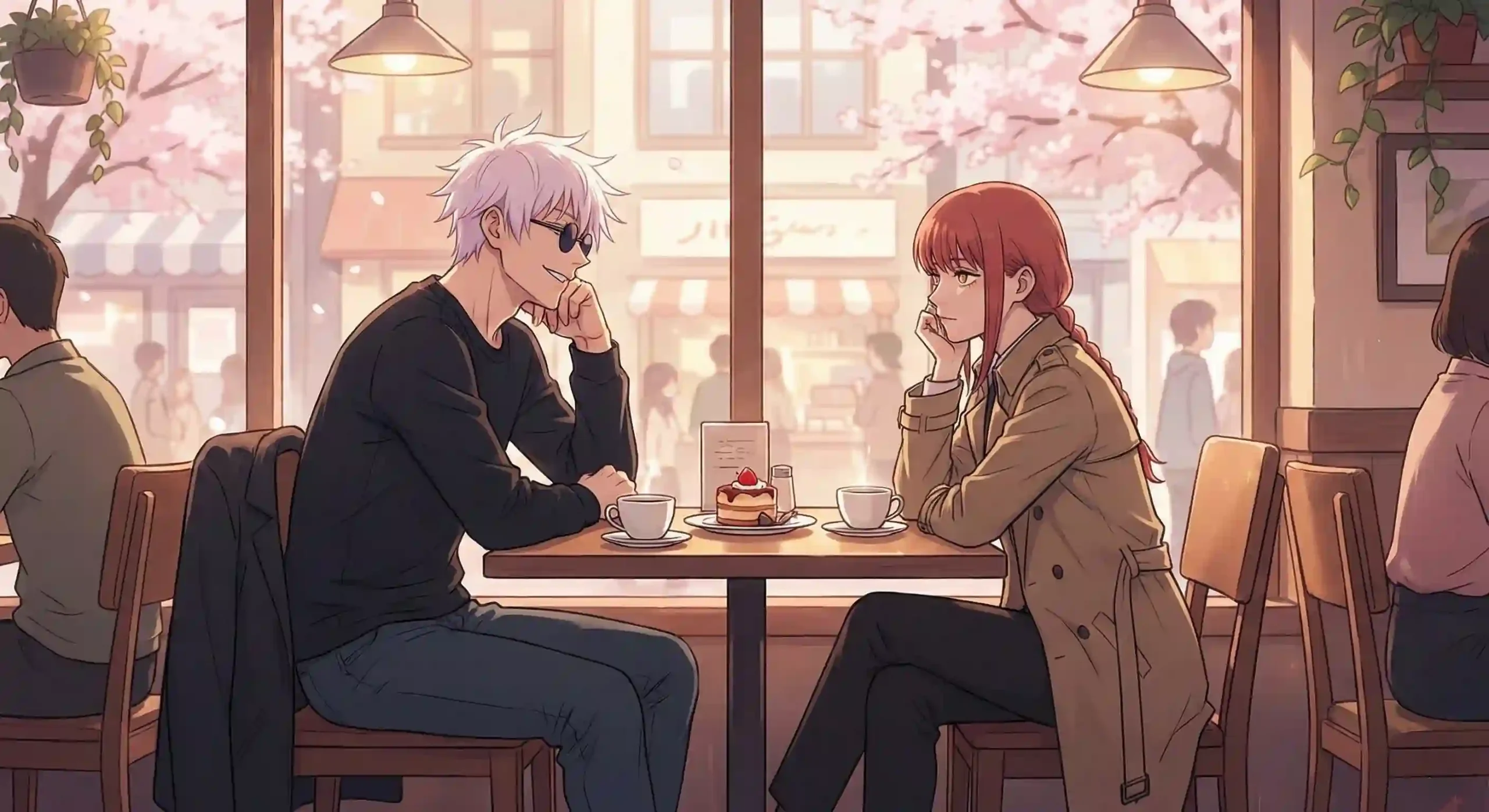
I tested several AI tools that claim to generate high-quality anime art, including popular anime AI generators and image creation platforms. Most of them produced results that felt generic, inconsistent, or clearly AI-generated. However, after extensive hands-on testing, Google Gemini clearly stood out as the best AI to make anime art.
Instead of delivering low-effort or repetitive visuals, it generated clean, detailed, and authentic anime-style images with accurate proportions, expressive characters, and strong visual consistency. The artwork closely matches real anime aesthetics, from line quality and color grading to lighting and composition. In many cases, the results looked nearly indistinguishable from professionally illustrated anime art.
If you’re searching for an AI anime art generator that produces realistic, high-quality results without the usual “AI slop,” this tool sets a new benchmark. Whether you’re an anime fan, digital artist, or content creator, it’s one of the most reliable options currently available for creating anime-style images using AI.
Nano Banana – Google Gemini
Nano Banana is the built-in image generation and editing model inside Google Gemini, and it’s one of the best AI tools for creating anime art and high-quality visuals using simple text prompts. It combines text-to-image generation, text-guided edits, subject consistency, multi-image fusion, and SynthID watermarking in a conversational workflow—making image creation predictable, repeatable, and studio-grade.
Quick feature snapshot
- Text-to-Image: Generate anime-style images from natural language prompts.
- Text-Guided Editing: Edit photos by description (change background, outfits, lighting).
- Subject Consistency: Keeps characters/subjects consistent across multiple edits.
- Multi-Image Fusion: Merge several references into one seamless scene.
- High-Detail & Pro Output: Pro version supports higher fidelity, readable text, and 4K-level outputs.
- Multi-Reference Control: Upload many refs for brand/character consistency.
- SynthID Watermark: Google’s hidden watermark marks images as AI-generated for transparency.
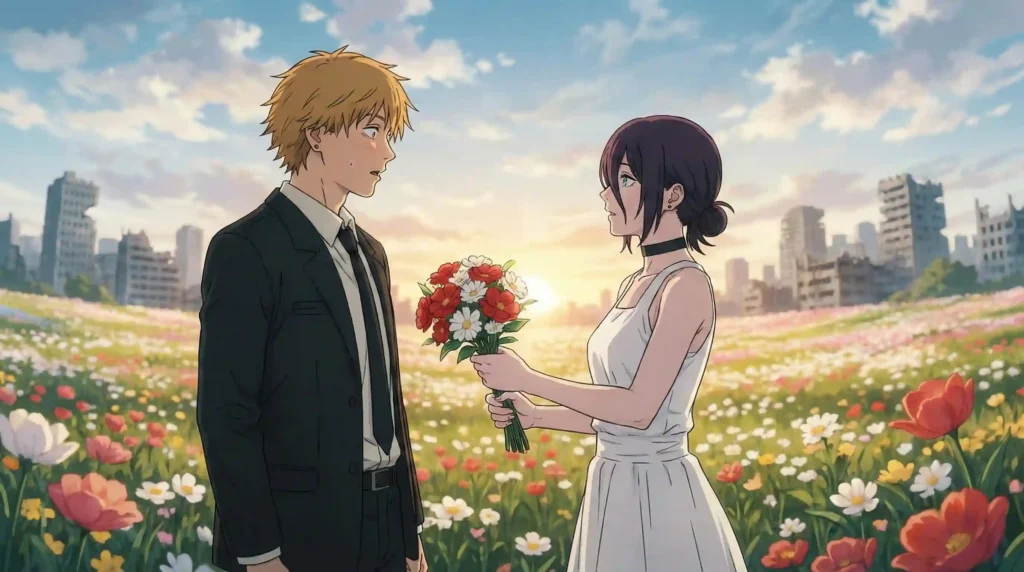
Here are some ai art samples made using google gemini
Prompt: Make a picture of denji from chainsaw man getting flowers from reze in anime theme with colors
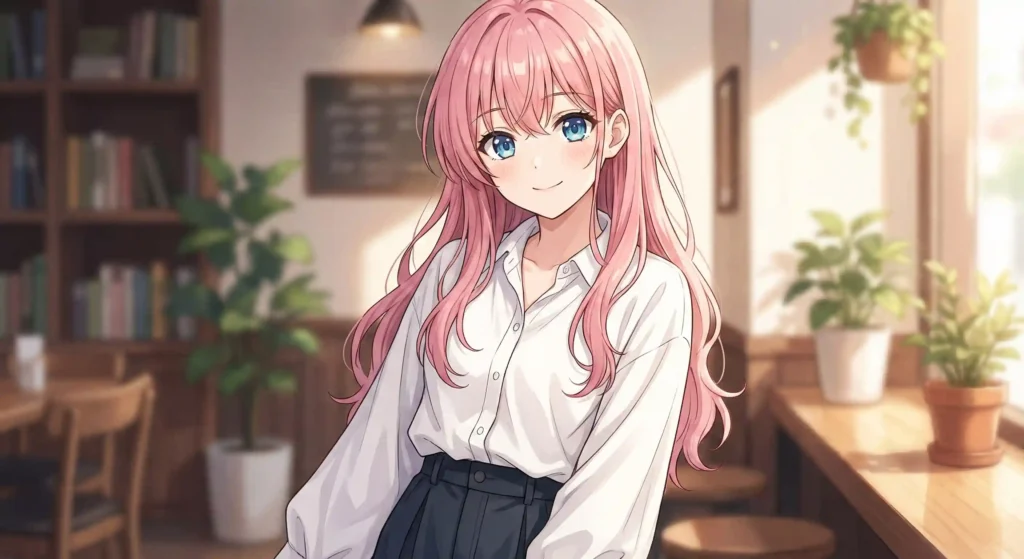
Prompt: Make a anime girl having these features, Long pink hair, white shirt, Black skirt, Blue eyes, looking at the viewer
How to make anime art images?
I’ll explain step by step to get clean ai anime art images without google gemini watermark
1. Prompt your AI Art Image
Prompting a image is quite easy but to get a good image is tricky, When prompting in google gemini try to convey all the demands in a single paragraph. Since we are using anime style, Mention it in the beginning of the prompt. After that follow up with the features you need in the picture such as mood, lighting, hair styles, background, etc…. Ai images have tendency to get confused with aspect ratio therefore mention it at the end. No need to mention quality since it gives at max resolution possible.
Prompt example: Make a anime girl having these features, Long pink hair, white shirt, Black skirt, Blue eyes, looking at the viewer
2. Remove Gemini Watermark (optional)
Gemini logo Watermark is always present in all images created by Gemini, Removing them is quite easy and straightforward. There are several online tools that allow you to remove gemini watermark. Here is one i use personally. It is quite fast and the processing of images work in frontend therefore it never goes to any server so your private files will always be safe.
banana.ovo.re – Click the link to Remove Gemini Watermark Online
3. Remove Gemini Metadata (Optional)
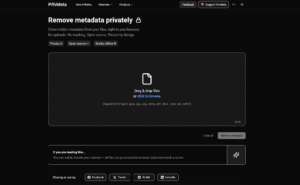
Gemini generated images have metadata in it that reveals data such as its ai generated, date and many more. For privacy focused or if you want the image to be rid of its metadata, You shall use a metadata cleaner. There are several websites that allow metadata removal online. i use privmeta for my personal use. It is similar to gemini watermark removal, all process is happening in website itself therefore no data is shared to servers. you can use this website for many other types of files.
privmeta.com – Click the link to Metadata from AI images
Read my blog about metadata removal – Click Here