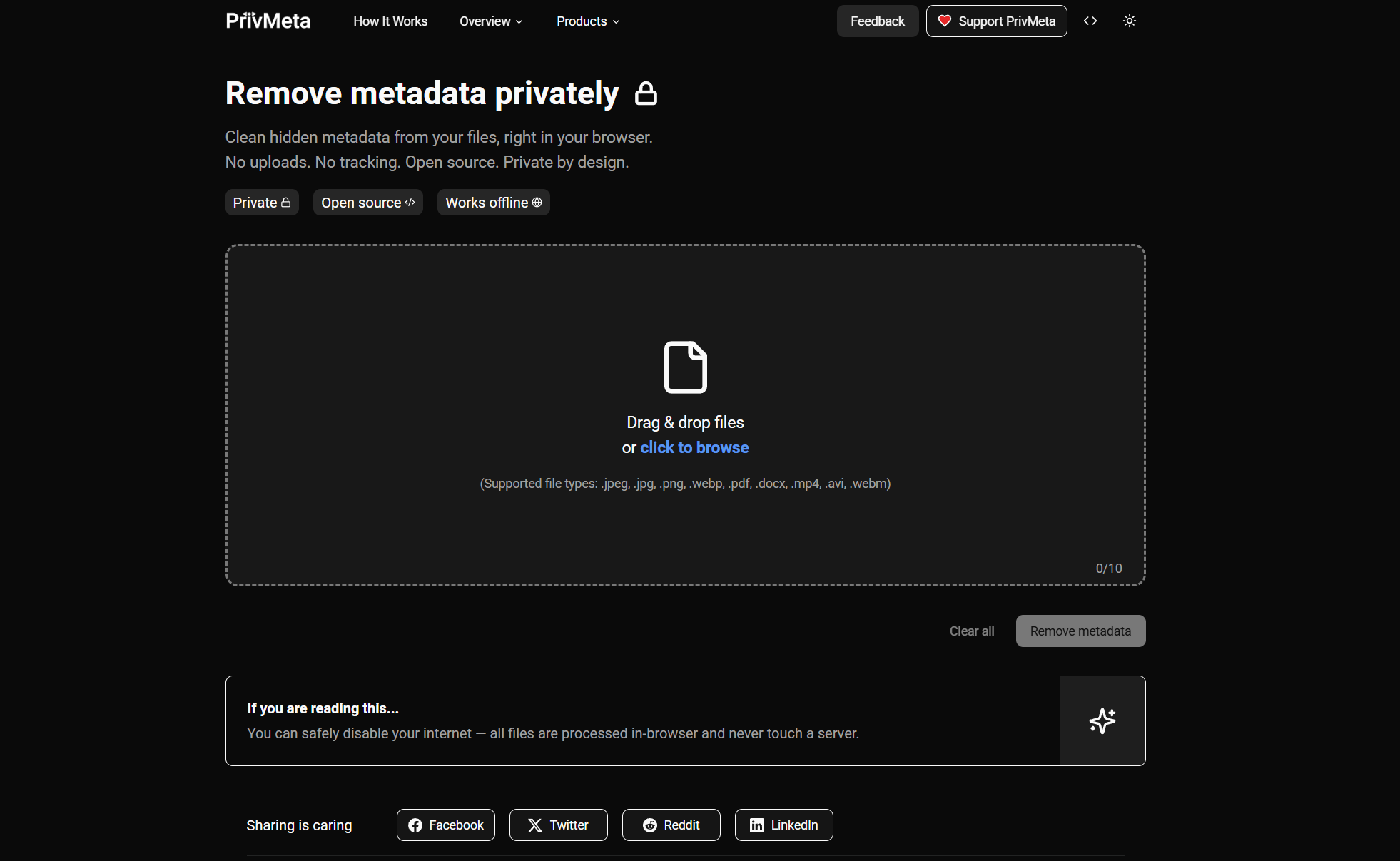
PrivMeta – Privacy-First Metadata Remover
PrivMeta is a free, open-source tool designed to help users remove hidden metadata from files before sharing them online. The service focuses on privacy and security by processing everything locally in your web browser — no file uploads, no tracking, and no data collection.
Key Features:
- Privacy-First Processing: All metadata removal happens entirely in the browser. Files never leave the user’s device, and nothing is uploaded to remote servers or stored.
- Open Source: The project is open source, giving transparency and trust for tech-savvy users and developers.
- Multi-Format Support: Works with various file types, including images (e.g., JPG, PNG, WEBP), documents (PDF, DOCX), and videos (e.g., MP4, MOV).
- User-Friendly: Simple drag-and-drop interface with immediate removal of hidden metadata like GPS coordinates, camera details, timestamps, and document properties.
- Secure Download: Cleaned files are offered for download as a ZIP, and no copies remain on the service.
How to Remove Metadata Using PrivMeta (Step-by-Step)
Removing metadata with PrivMeta is simple and does not require installing any software. Everything happens directly in your browser.
Step 1: Visit the Website
Go to privmeta.com using any modern web browser (Chrome, Edge, Firefox, Safari).
Step 2: Upload Your File
Drag and drop the file you want to clean into the upload area, or click to select a file from your device.
PrivMeta supports images, documents, and videos such as:
- JPG, PNG, WEBP
- PDF, DOCX
- MP4, MOV
Step 3: Automatic Metadata Analysis
Once the file is added, PrivMeta automatically scans it for hidden metadata. This may include:
- GPS location data
- Camera or device information
- Creation and modification timestamps
- Author and software details
Step 4: Remove Metadata
PrivMeta removes all detected metadata instantly.
This process happens locally in your browser, meaning your file is never uploaded to a server.
Step 5: Download the Clean File
After processing, download the cleaned file (usually provided in a ZIP format).
The downloaded file contains the same visible content but without any hidden metadata.
Step 6: Share Safely
You can now share or upload the file online with confidence, knowing that sensitive metadata has been removed.
Why PrivMeta Is Safe to Use
- No file uploads
- No account required
- No tracking or storage
- Open-source and transparent
This makes PrivMeta especially useful for journalists, bloggers, photographers, and privacy-conscious users.